
British Young Pilots
★ BADGE 1 ★
Today's Objectives
- Learn about the aircraft — what all the parts do
- Airbus-specific flying — what makes an Airbus special
- Inside the cockpit — screens, sticks and levers
- Take-off, cruise and approach
- Landing!
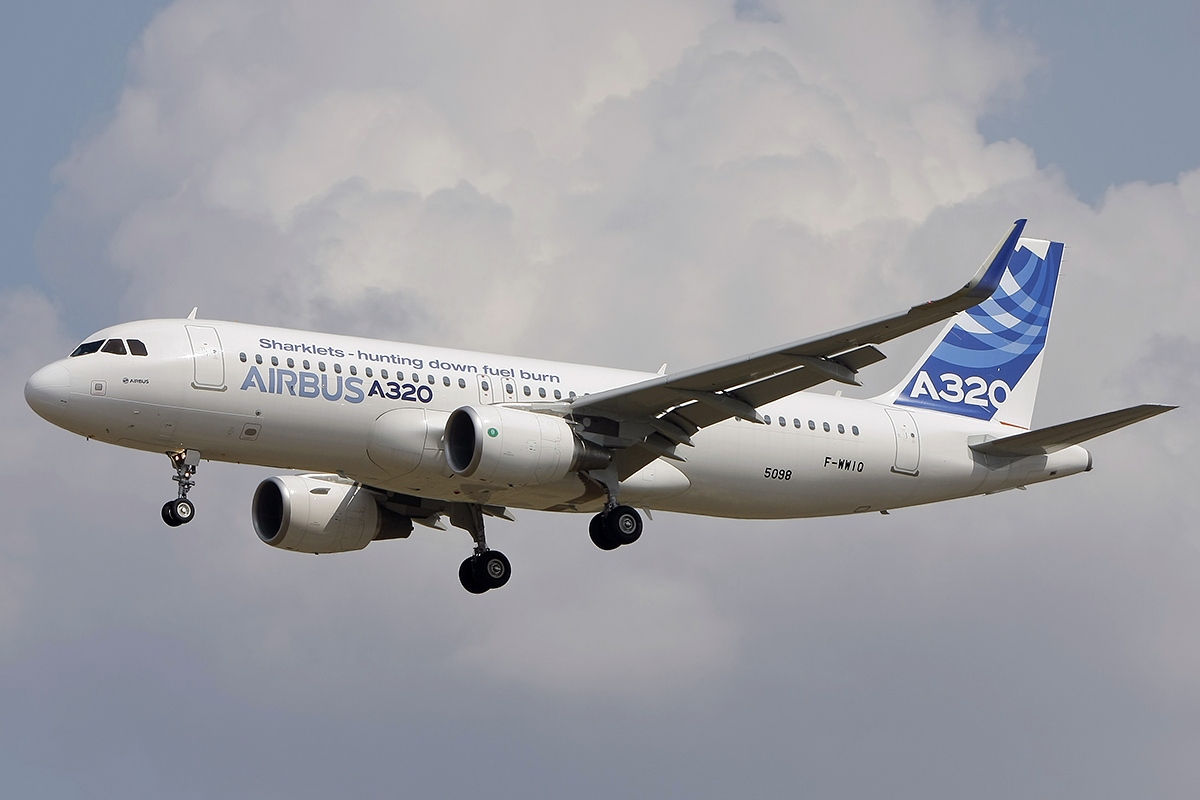
Engines — piston vs turbofan
🛩️ Piston engine (small aircraft)
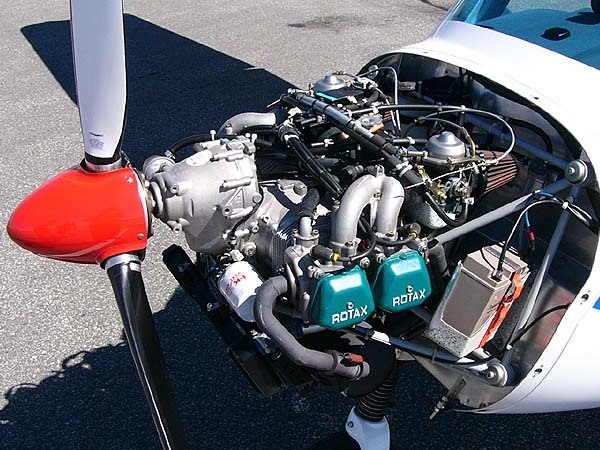
- Like a car engine — pistons turn a propeller
- Slower, less powerful
🚀 Turbofan (the A320)
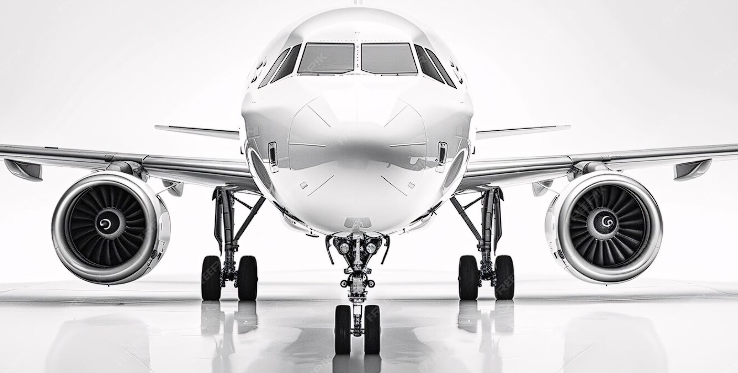
- Sucks in air, squeezes it, burns fuel, blasts it out the back
- Creates thrust — huge forward force
A320 vs a tiny microlight —
what's the same?
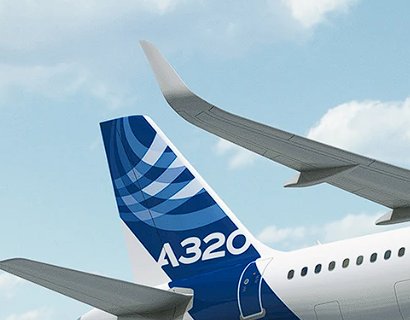
🪽 Both have wings that make lift
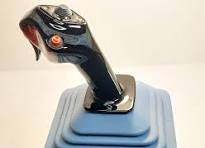
🎛️ Both have pitch, roll and yaw controls
🔥 Both have an engine that makes thrust
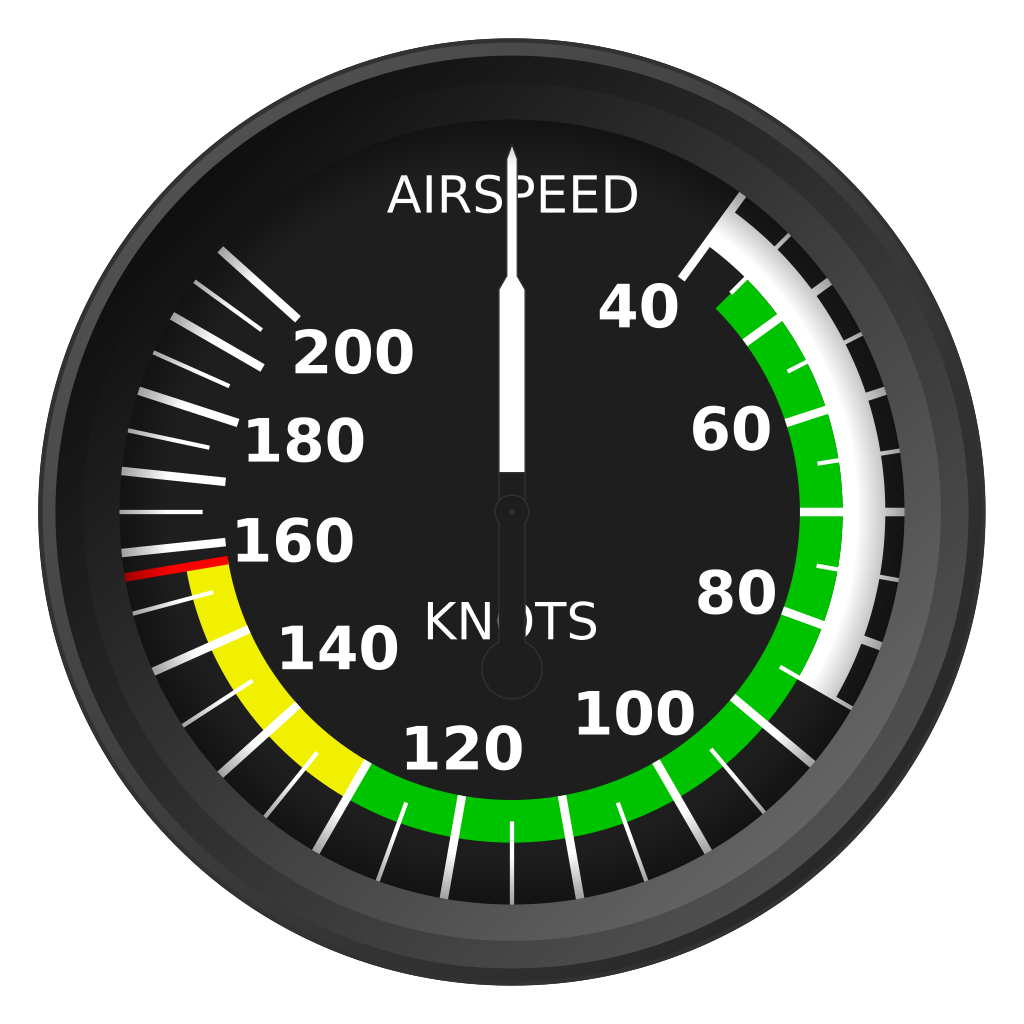
📟 Both have instruments — speed, altitude, heading
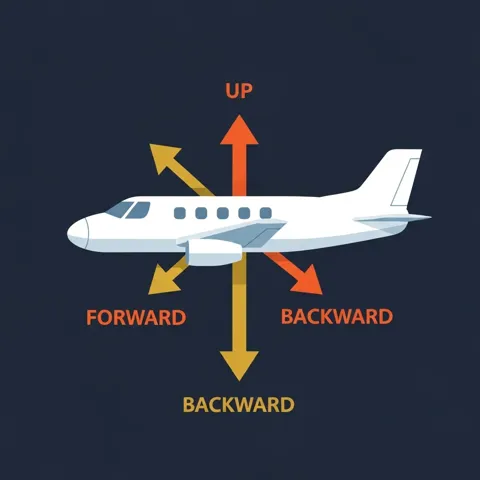
⚖️ Both obey the four forces — lift, weight, thrust, drag
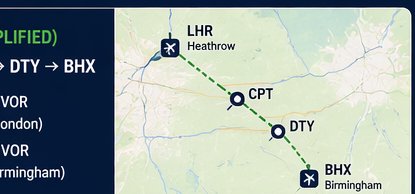
🗺️ Both need a pilot who plans the route ahead

✅ Both use checklists before every flight
📻 Both talk to air traffic control by radio
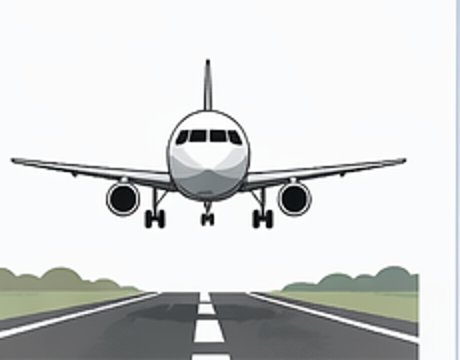
🛬 Both take off and land on runways
Let the class shout out ideas first — then use the picture hints and flip to check!
Session 2
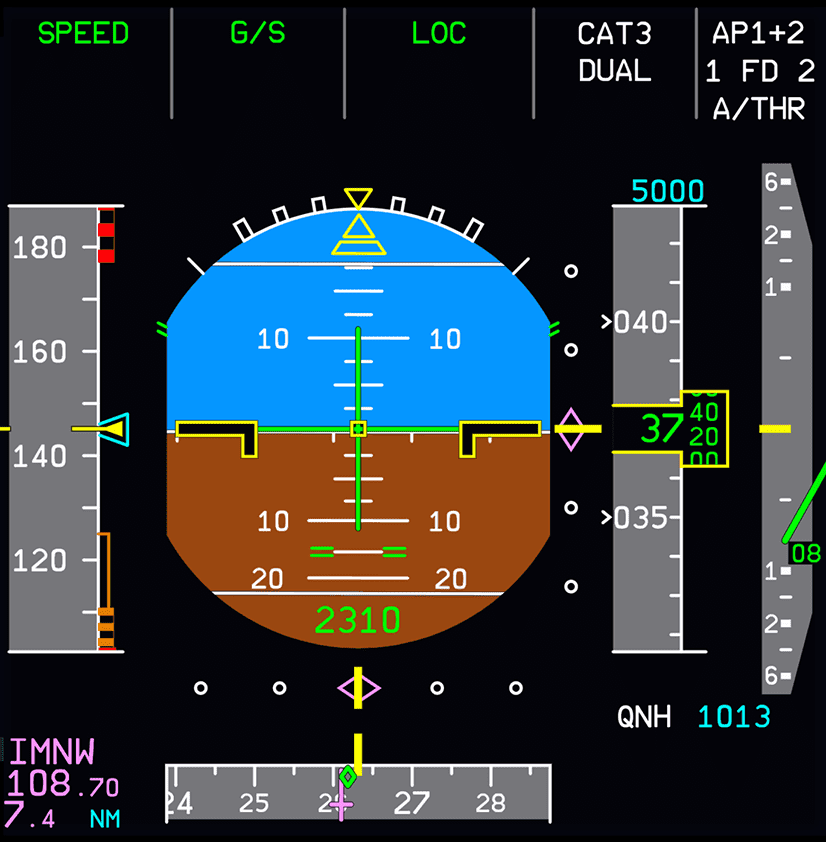
Primary Flight Display (PFD)
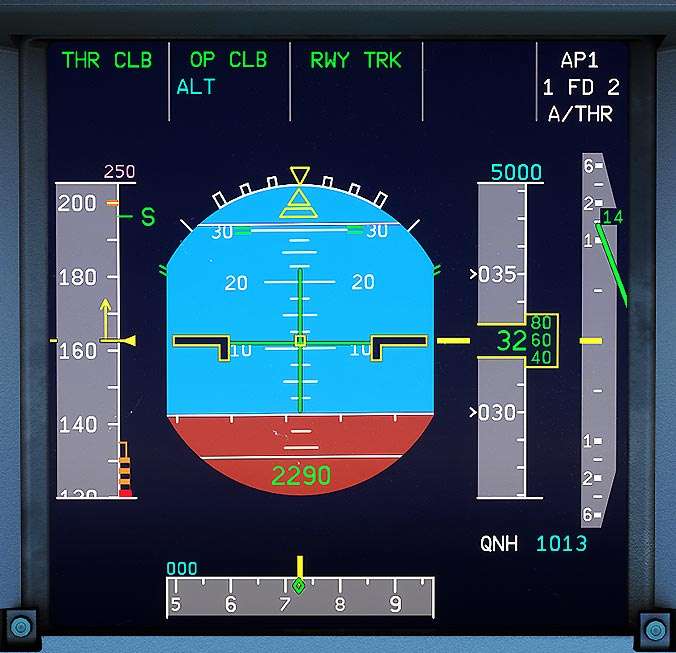
🕰️ One screen replaces six old instruments: airspeed, attitude, altimeter, vertical speed, heading and more.
🟩 GREEN = active · 🟦 BLUE = armed (waiting) · ⬜ Box flashing = something is changing
👀 Pilots scan this screen constantly — it's the single most important thing in the cockpit.
Next page: explore a live PFD piece by piece →
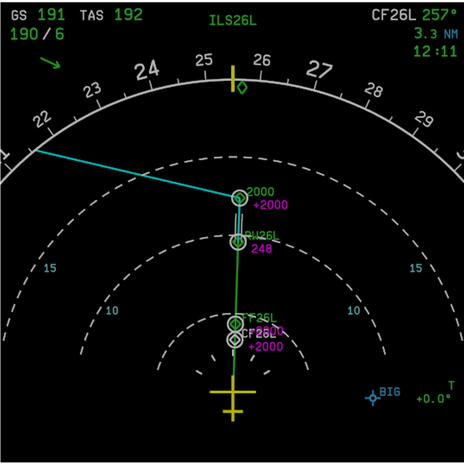
Navigation Display (ND)
- Shows where you are — relative to airports, waypoints and your route
- Shows which way you're going (heading)
- Zoom in and out to see more or less of the world
- Shows the wind arrow — is the wind slowing us down or pushing us along?
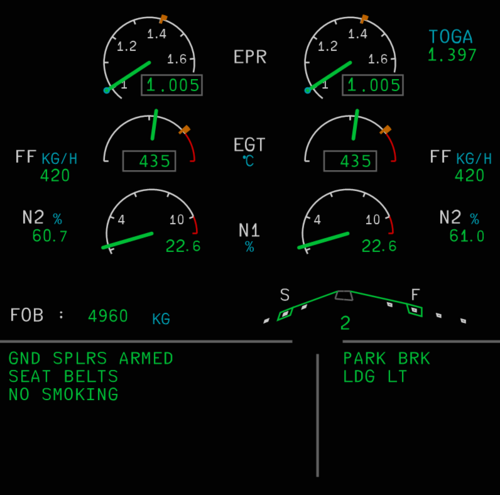
ECAM — the aircraft's health monitor
Monitors aircraft systems, shows engine info, and alerts pilots if something is wrong. Today you need it for three things:
- Flaps — what position are they in? (In a C152 you check the flap lever)
- Parking brake — on or off? (In a C152 you check manually)
- Engine thrust — are the engines producing power? (In a C152 you read RPM)
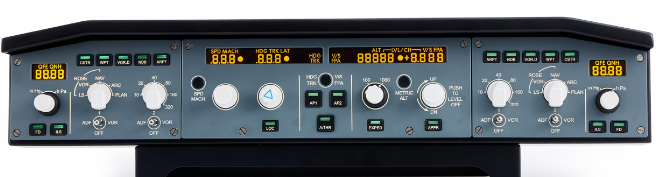
Flight Control Unit (FCU)
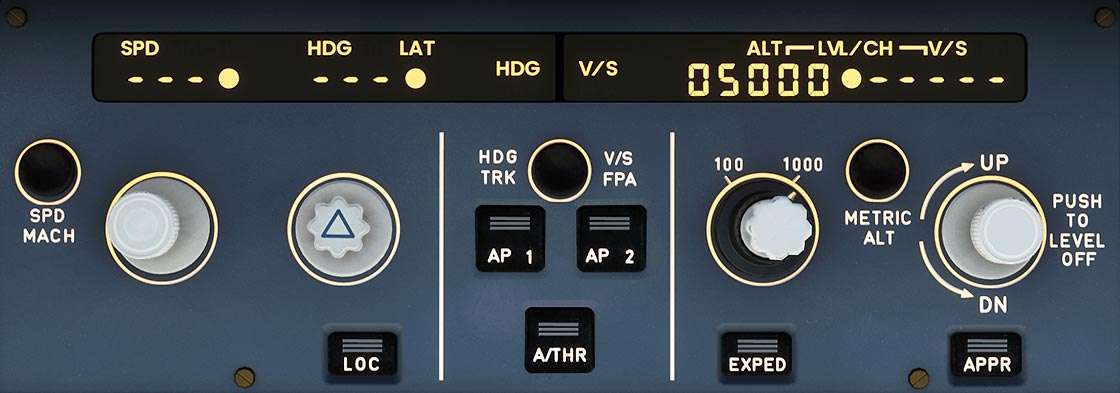
- The panel on the glareshield where pilots set Speed · Heading · Altitude targets
- Each knob can be selected (pilot commands it) or managed (aircraft handles it)
- Today: just know its name — we're flying manually, so it only displays reference values
FCU — the clever buttons
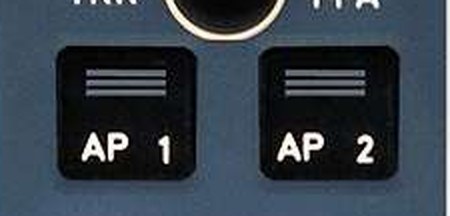
Engage the autopilots
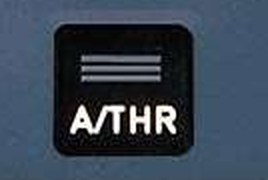
Auto-thrust — computer manages engine power
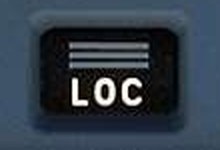
Line up with the runway centreline
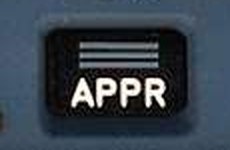
Approach mode — guides you down to land
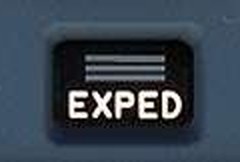
Climb or descend as fast as possible
EFIS Control Unit
- Zoom the map in and out
- Show airports and waypoints on the ND
- Show weather radar
- Set the air pressure (QNH) so the altimeter reads correctly
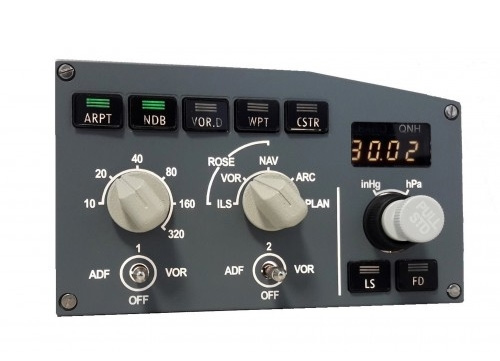
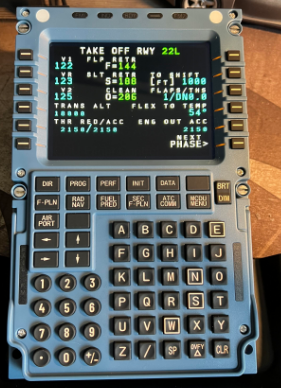
The MCDU — flight computer
- The aircraft's onboard flight management computer
- Pilots type in the route, performance data and flight plan
- Works together with autopilot, auto-thrust and navigation
- Today we keep it simple — basics only!
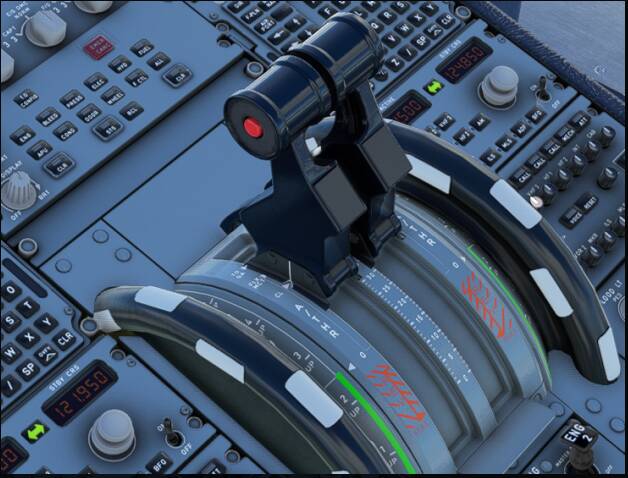
Thrust levers — click the detents
TOGA — Take-Off / Go-Around
Full power! Used for take-off… and for climbing away fast if a landing must be abandoned.
FLX / MCT — Flexible power
A gentler, engine-saving take-off power used on long runways. (Detail for later badges.)
CL — Climb
Where the levers live for almost the whole flight. The computers fine-tune the power from here.
IDLE
Minimum power — engines just ticking over. Used for descent and after landing.
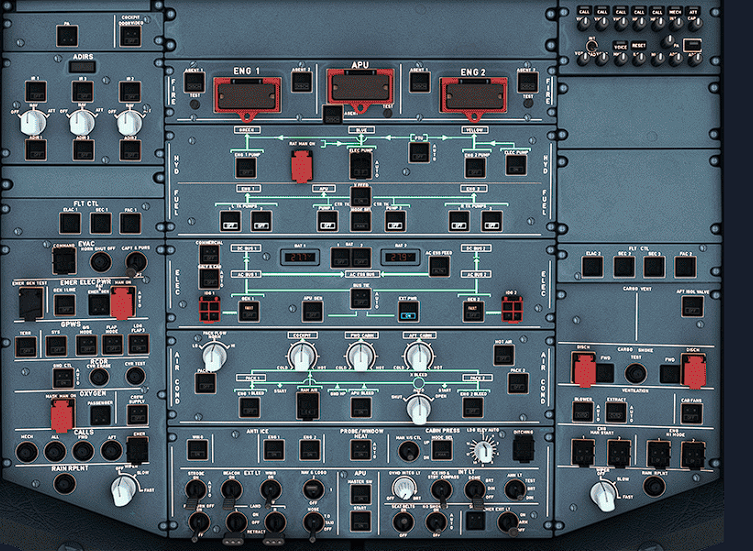
The overhead panel
Lots of buttons — but each panel has one specific job. Basics for today:
- We need electrical power
- The APU starts the engines — like a starter motor in a car
- Lights — landing lights, strobes, cabin signs
- Most switches should be off/dark in normal flight
The sidestick
- The pilots' primary control for manual flight
- Spring-loaded — returns to centre when you let go
- No feedback from the control surfaces — pure fly-by-wire
- When autopilot flies, the sticks stay still
- Just like your sim joystick!
Today we fly manually!
- Autopilot (AP1/AP2) → OFF
- Flight Directors (FD) → OFF — raw manual flying
- Speed / heading / altitude shown for reference only
- YOU control the aircraft — sidestick + thrust levers
🎯 Our goal today is learning to fly — autopilot is a course for another day!
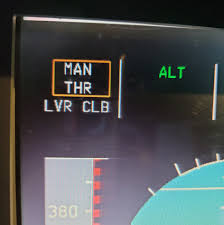
LVR CLB — the flashing reminder
- After take-off, LVR CLB flashes on the PFD
- It's reminding you: full power was for take-off — pull back to CL (climb) detent now
- Like changing out of first gear once you're moving!
- Pilots set a "thrust reduction altitude" — often ~1,500–2,000 ft — that's when it flashes
Session 3
Session 4
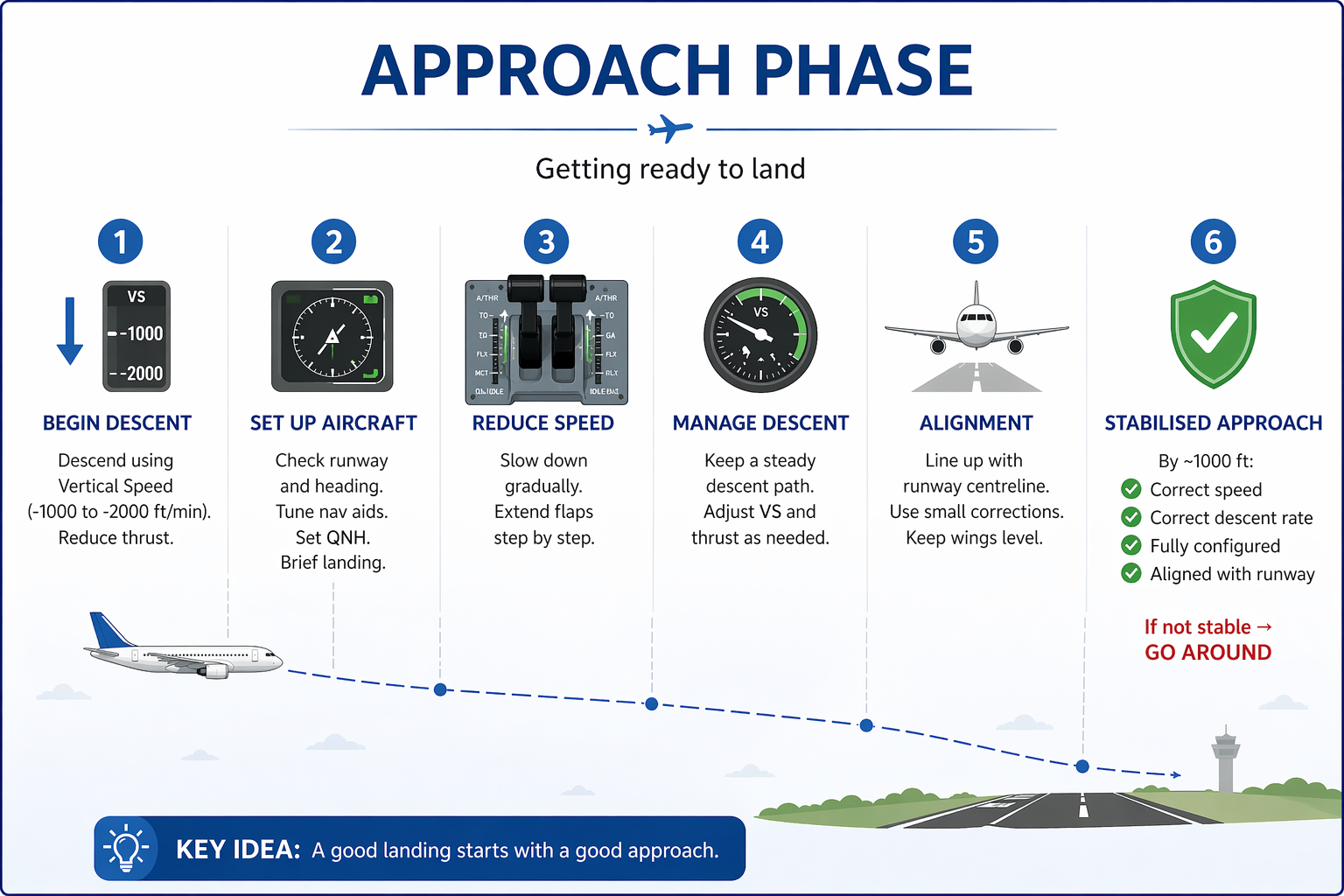
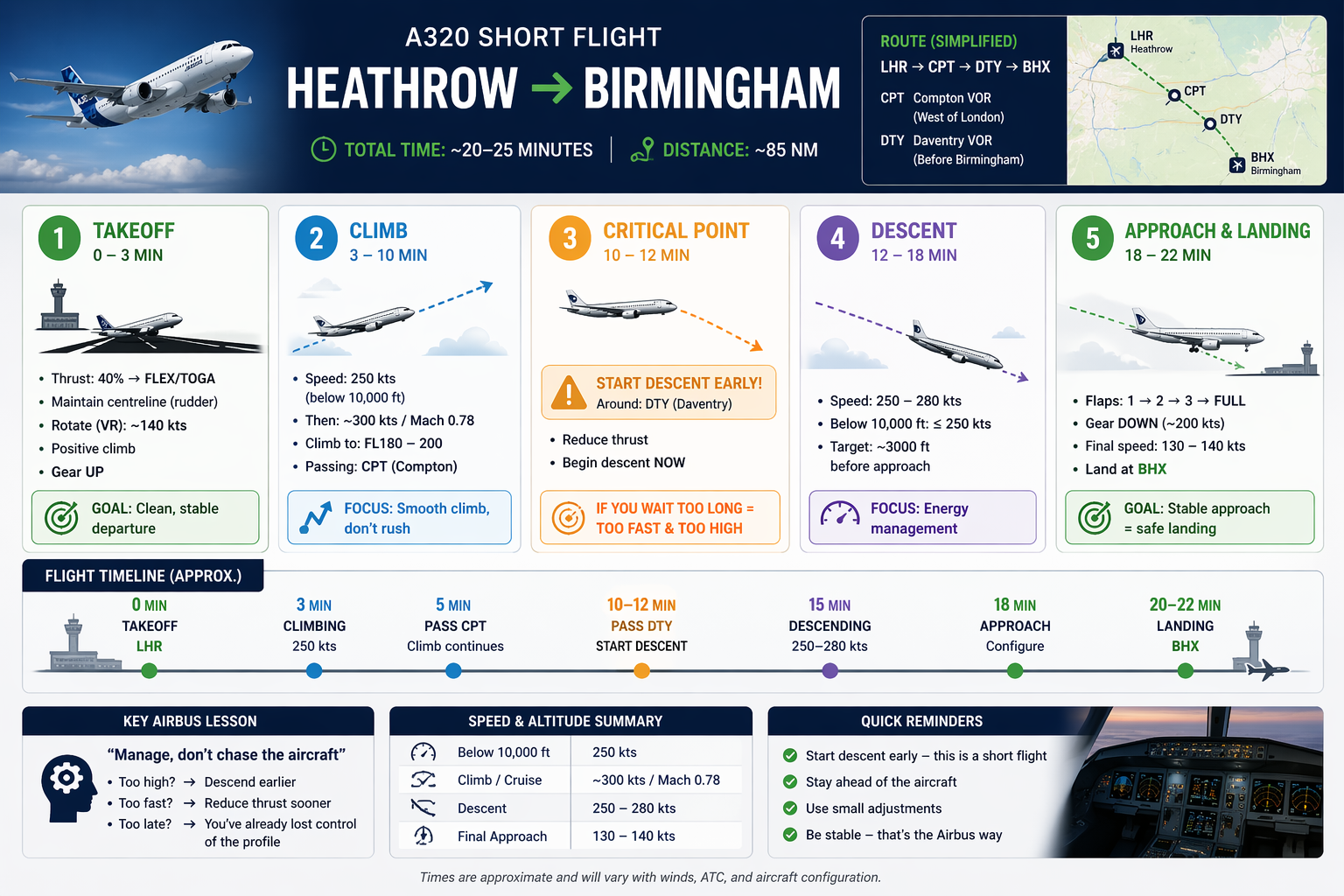
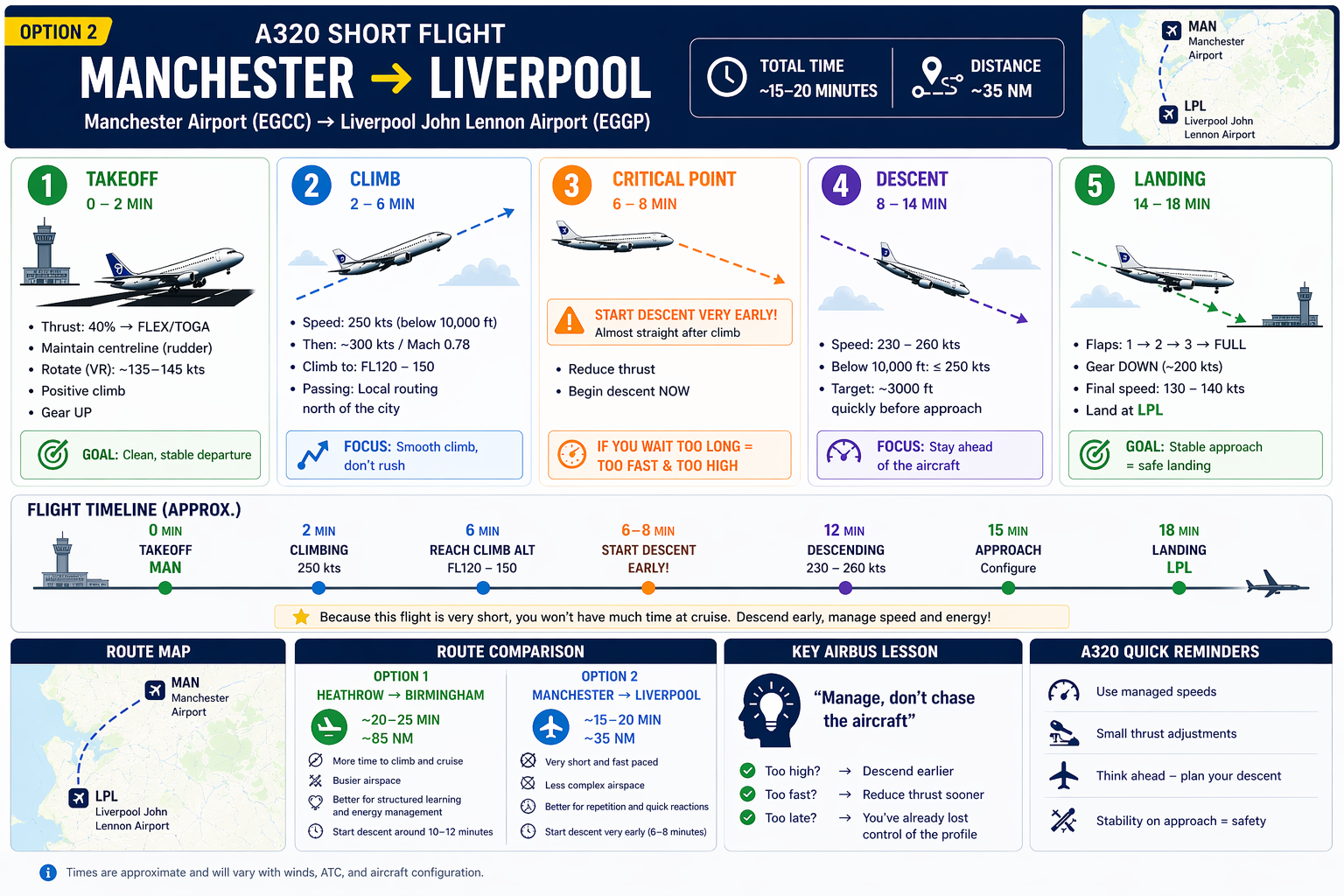
Descent = planning ahead!
- 1 · Reduce thrust — the aircraft starts descending
- 2 · Adjust pitch — sidestick controls your descent rate
- 3 · Monitor — vertical speed, altitude, speed
⚠️ Jets are slippery! Start down early — if you wait too long you'll arrive too fast AND too high.
The approach
- Goal: guide the aircraft down toward the runway — stable and controlled
- Choose your runway and line up
- Slow down — flaps out step by step
- Aim for 140–150 knots
- Keep the runway visually steady in the window
The landing
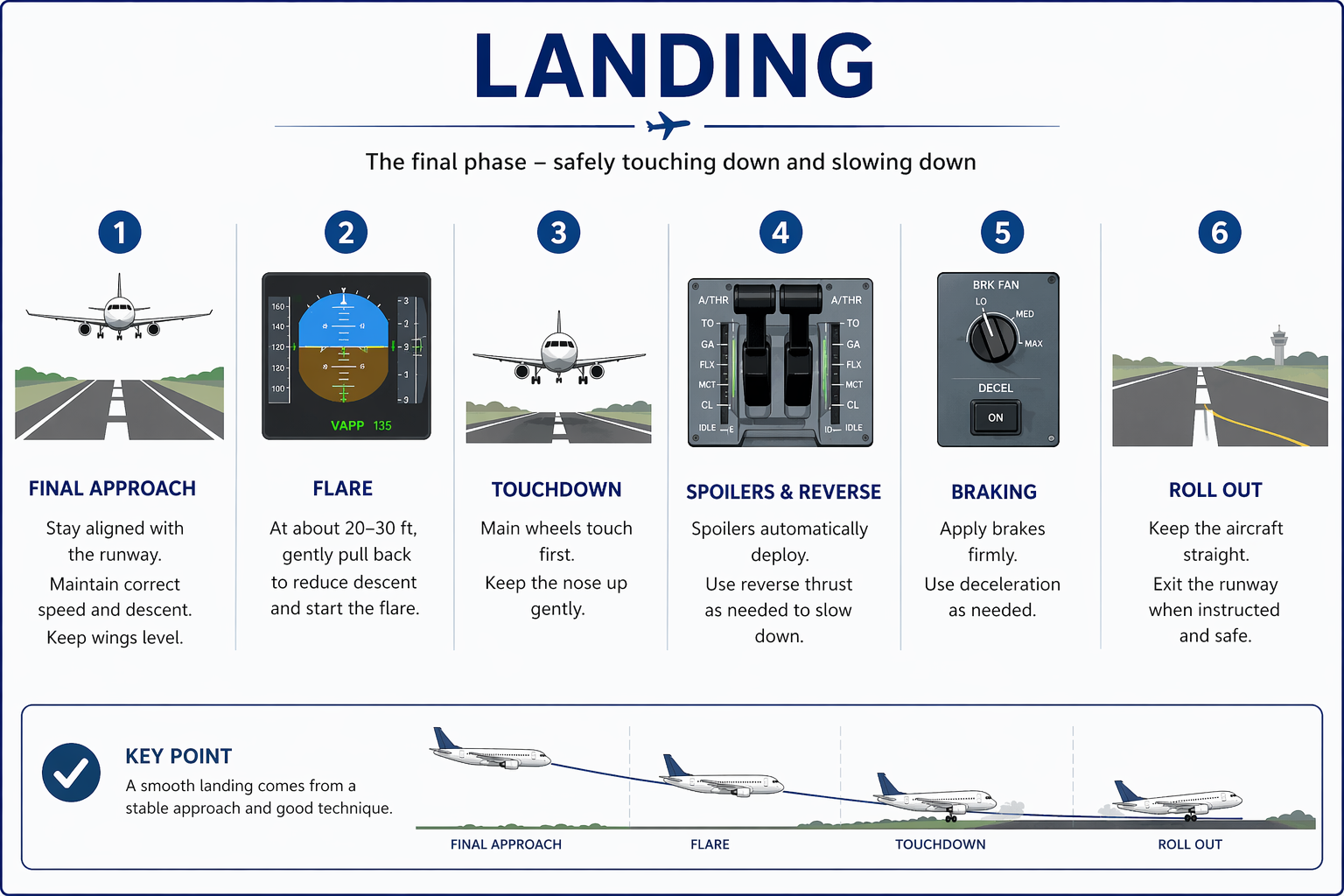
- Cross the runway threshold at ~140 kts, gear down, flaps FULL
- At ~30 ft: flare — raise the nose slightly to soften the touchdown
- The aircraft calls "RETARD, RETARD" — your reminder to close the thrust levers to IDLE
- Touch down on the main wheels first, then lower the nose gently
Session 5
Take-off → Climb → Cruise → Descent → Landing.
All you. Start to finish.
Controls
| ← → or Space | Previous / next page |
| G | Grid of all pages (jump anywhere) |
| I | Instructor mode — gold tip panels on/off |
| F | Fullscreen |
| Home / End | First / last page |
| Esc | Close overlays |
Progress is per-page in the address bar — bookmark or share #page numbers. Videos need internet; everything else is fully offline.